Local OS is the product. This page is the real web half: hosted MCP tools, connector catalog, and remote proxy — so Claude / Grok / Cursor can plug in. Below it, the arsenal: the sub-platforms built on the OS.
Paste into Claude custom connector, Grok remote MCP, or Cursor.
Hosted MCP tools
Run platform tools
Live tools/list + tools/call against /api/v1/mcp. Same endpoint custom connectors use.
Remote connectors
Proxy tools over MCP
List tools on any public HTTPS MCP endpoint (Vercel, Linear, Sentry, Dials…). Uses ke_mcp_proxy with SSRF guards — no private IPs. Auth stays in your browser request.
Connector catalog
Wire real services
Built for custom connectors over MCP — not marketing copy. Hosted KE MCP on this site; local OS for the full stack; third-party MCP where the platform already ships one.
KE Dev OS Platform
ke · hosted
Native MCP for this site — flagship identity, install, wiki, connector catalog, remote tool proxy.
https://kestudios.dev/api/v1/mcp
Add as custom connector: URL https://kestudios.dev/api/v1/mcp (no auth for public tools). Optional bearer KE_MCP_TOKEN if set on the host.
Full local OS after install — fleets, Studio, Forge, file tools, integrations. Computation stays on your machine.
http://127.0.0.1:7430/mcp
Install: curl -fsSL https://kestudios.dev/downloads/ke-dev-os-install.sh | bash · then prism dashboard. Wire local MCP when the client exposes /mcp; until then use CLI + dashboard.
dashboardfleetstudioforgeinteg
Vercel
infra
Deployments, projects, env, domains — official Vercel MCP.
Settings → Connectors → Add custom connector
URL:  https://kestudios.dev/api/v1/mcp
Auth: none (or Bearer if KE_MCP_TOKEN is set)

curl -s -X POST https://kestudios.dev/api/v1/mcp \
  -H 'content-type: application/json' \
  -d '{"jsonrpc":"2.0","id":1,"method":"tools/list"}'
The arsenal
Sub-platforms built on the OS
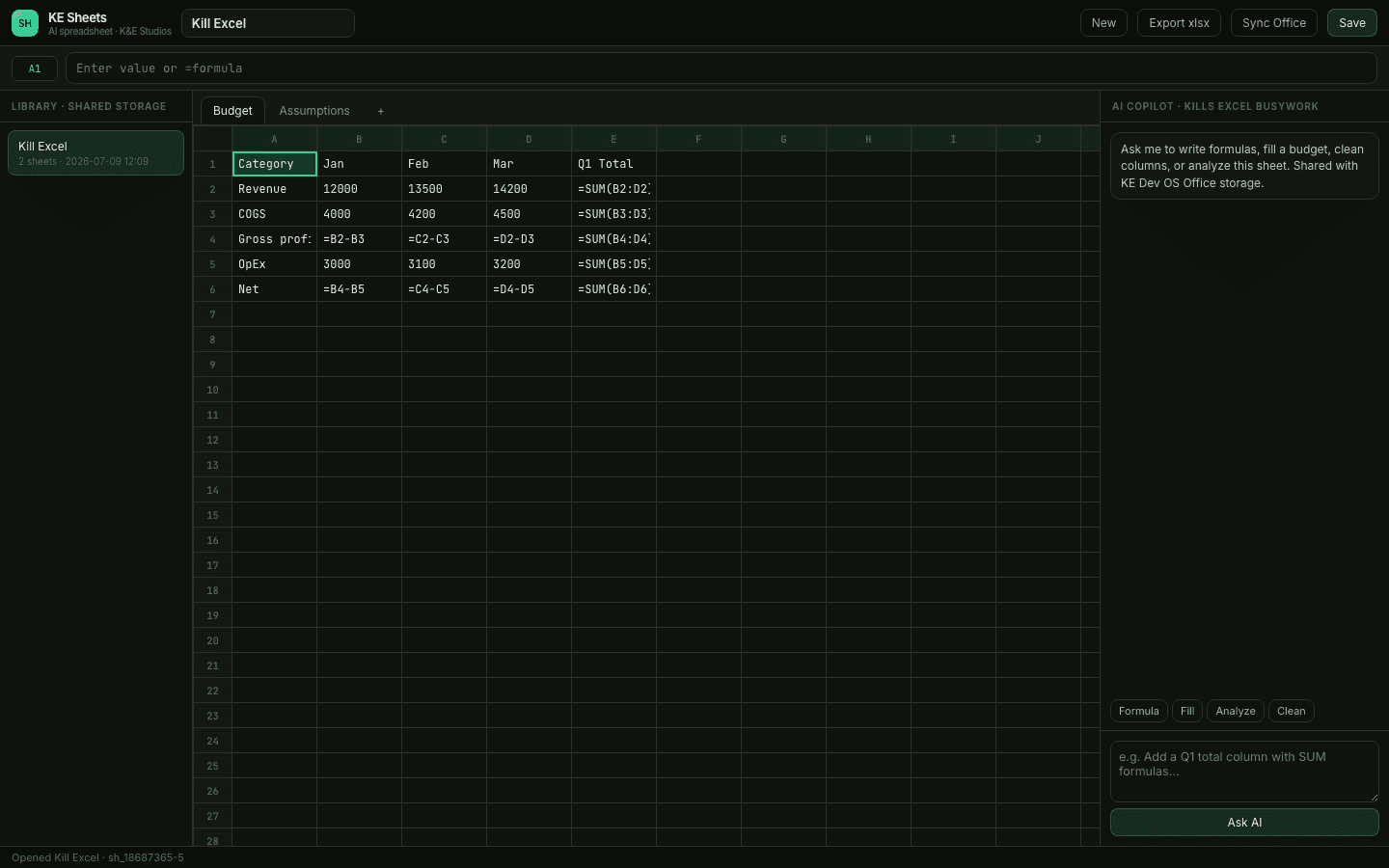
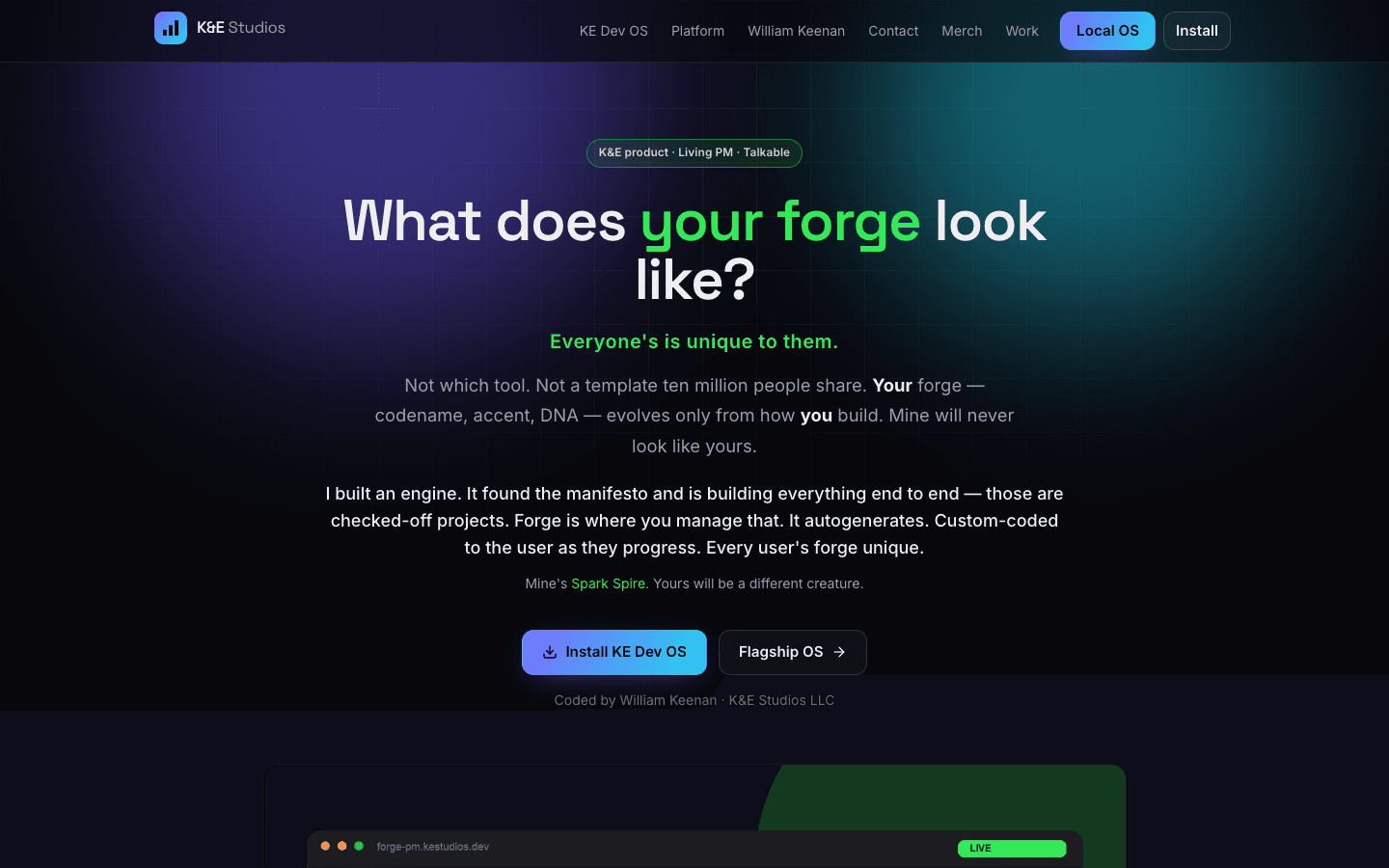
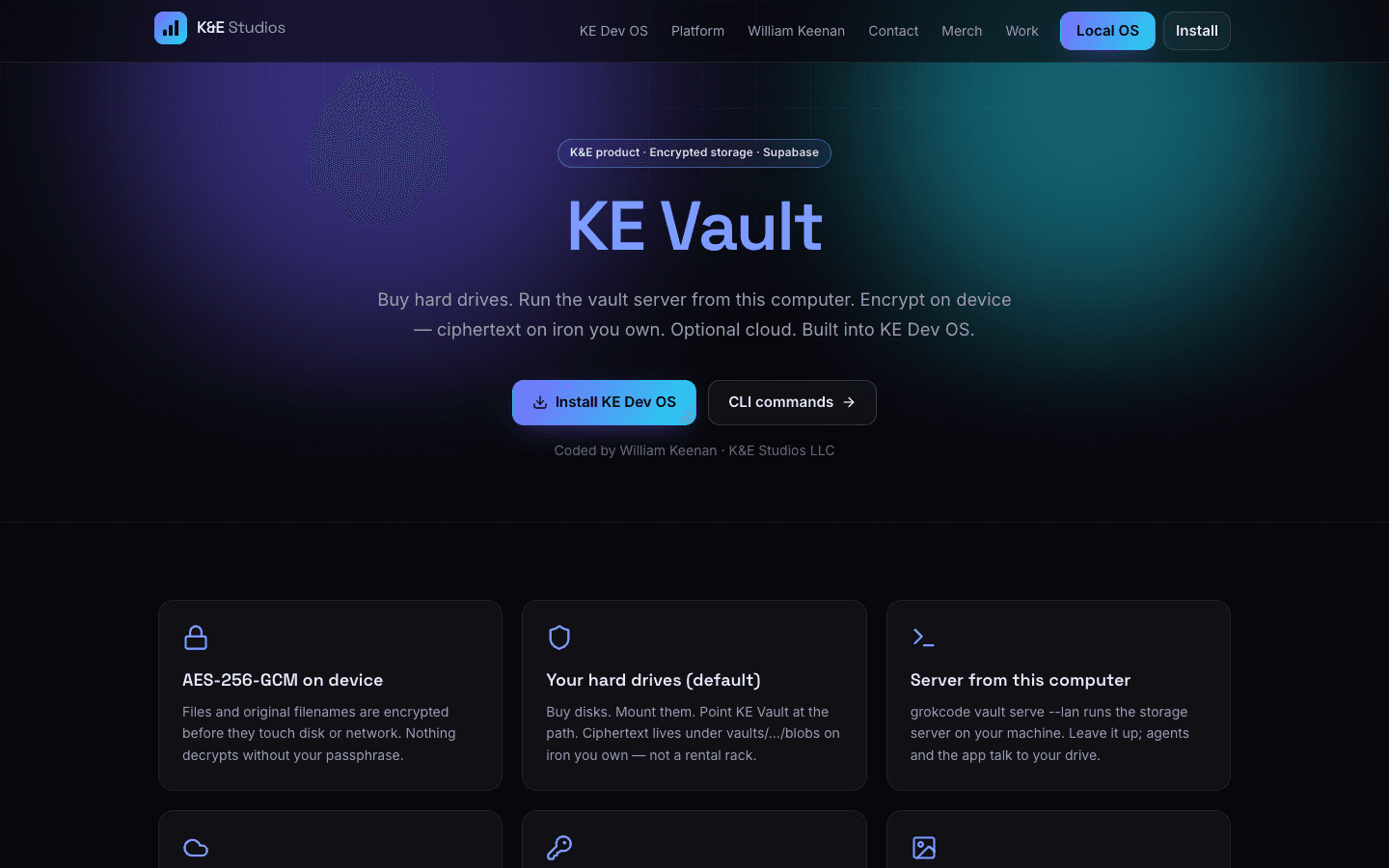
KE Dev OS isn't one app — it's the platform a whole product line runs on. Commerce, email, inventory, media, office, game servers: each is a real sub-platform, live, and wired back into the OS. Click into any of them right now.
Private beta
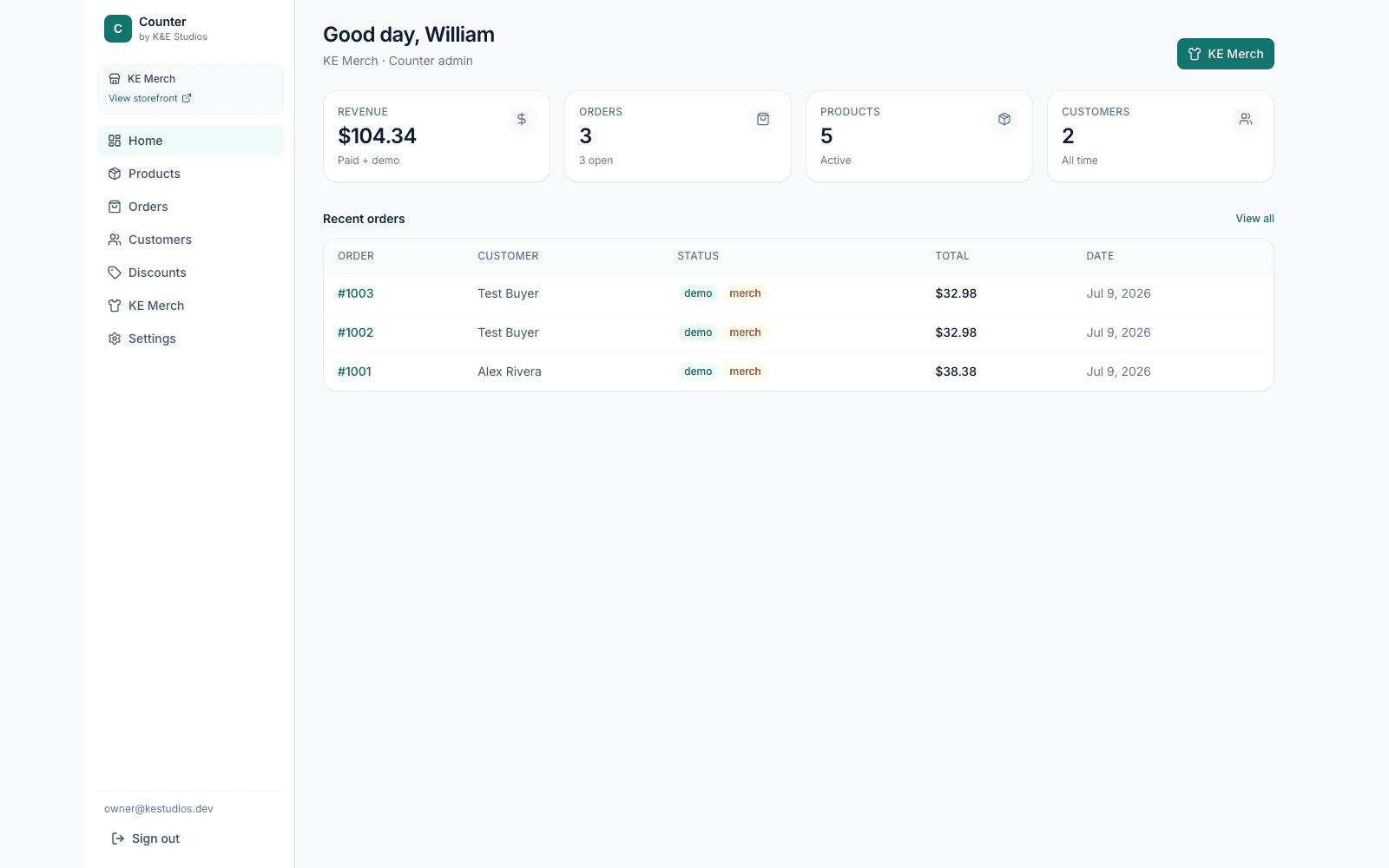
Counter
Private beta
Commerce OS · Multi-store
Commerce module — Shopify-class multi-store admin, storefronts, checkout, and KE Merch print-on-demand for every studio product.